Work that moves itself to the next step
Approvals, routing, reminders, and hand-offs run on rules you set — so nothing waits in someone's inbox for a nudge.
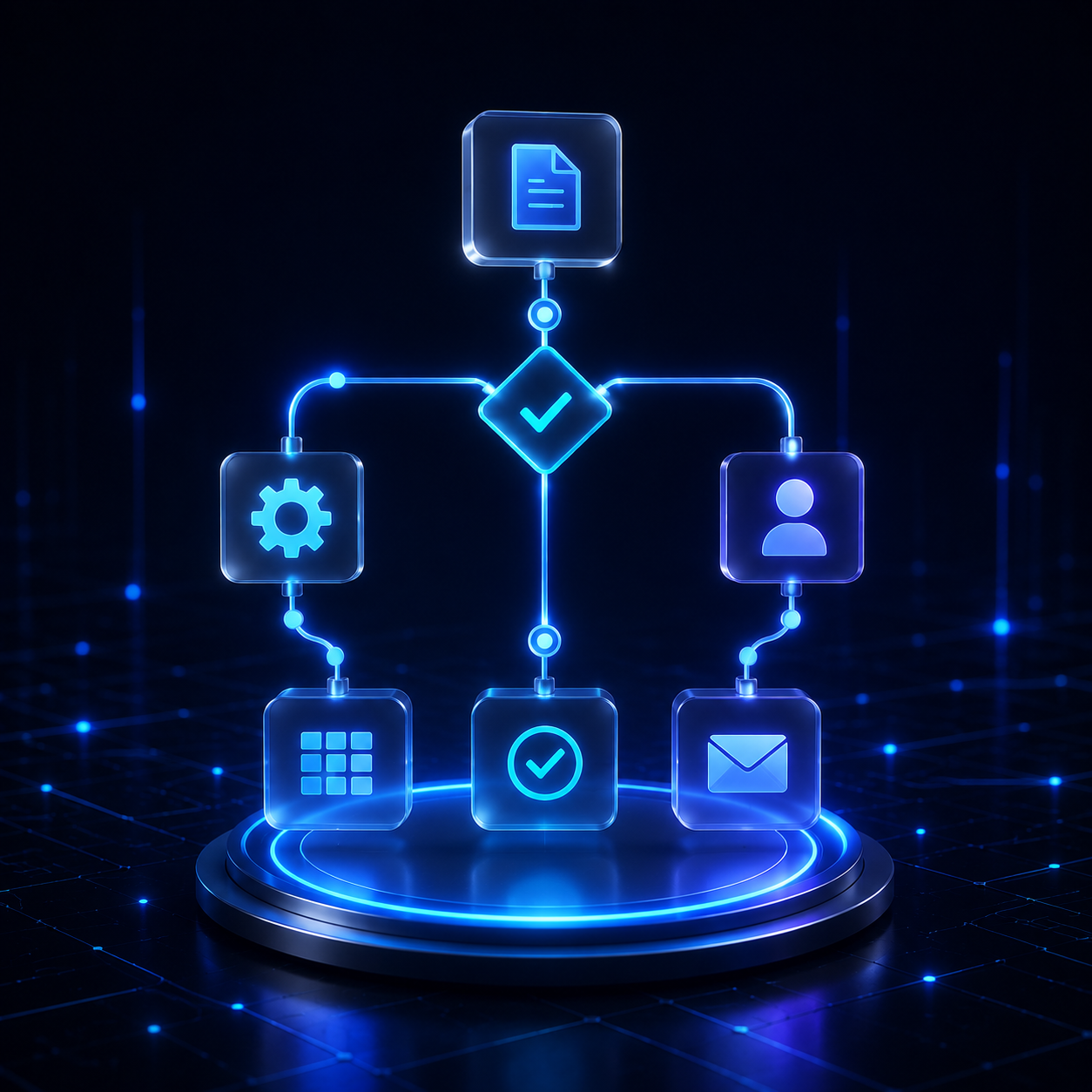
What Workflow Automation does
Delay in most operations is not effort, it is waiting. Workflow Automation removes the waiting: each step knows its owner, its deadline, and what happens when the deadline passes.
Shorter approval cycle time
Requests lost between inboxes
Visibility of every pending step
What it handles day to day
Rule-based routing
Requests reach the right approver by amount, department, region, or risk tier.
Automated reminders
Escalating nudges before a step becomes a bottleneck, not after.
Task assignment
Workload distributed by capacity and skill, with reassignment when someone is away.
Exception handling
Out-of-policy cases branch to a defined path instead of stalling the queue.
From input to completed work
Trigger
A form, document, or system event starts the flow.
Route
Rules decide the owner, path, and deadline.
Chase
Reminders and escalations run automatically.
Close
Completion is recorded and downstream steps fire.
Common deployments
Works with your stack
Not on the list? Most systems with an API, database, or file exchange can be connected.
See System IntegrationQuestions
Frequently asked questions
Straight answers on scope, data, timelines, and control for teams in Malaysia and Southeast Asia.
See how Workflow Automation would work in your business
We start with your business goal, then decide what should be automated.
